Showing posts with label ai Design. Show all posts

2025-10-09

What to do with your AI Images?

I have been using my AI images for card design, for designs on my Zazzle store and I have been putting the images into frames and put them on the walls of my flat. Regarding the latter there is one problem: Here in Germany you do not find frames for square (1:1) images easily. But I have a lot of very nice AI images which are in the 1:1 format, and it would be a shame not to display them. 

Yesterday I suddenly rememberd that I have quite a few hard foamed panels. So I fetched one of them, grabbed one of my 1:1 images and mounted it on the panel. 

Fixing a thread on the back of the panel allows you to hang the panel on your wall. 

One tip: You have to avoid to apply too much pressure while cutting the board. Rather be patient and move the cutter to and fro as long as it needs to cut the board...

2025-08-12

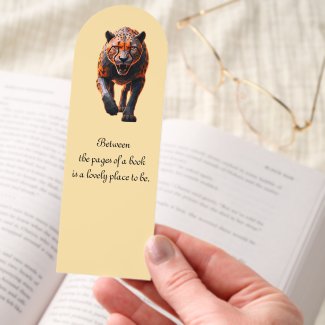
Panther bookmark


For a long time Zazzle didn't have proper bookmarks. They had some, though, which were so tiny that I would not use them in one of the books I am reading. I looked for a solution and found out, that you could cut out two bookmarks out of a postcard and designed some with Photoshop. But would you do the cutting as a customer? Not really. 
So I was very pleased when I noticed that Zazzle is now offering "real" bookmarks, and could not resist creating one.
The panther on the prowl was created using AI.

2024-07-07

Creating a Halloween design for my Zazzle shop with AI

What you're seeing below is one of my latest products in my Zazzle shop - a notebook showing a grumpy vampire sitting on a rock. I created the design with an AI Art Generator. In earlier times I had created designs with Inkscape or even with my watermedia paintings. And yes, using AI art quickens up the production process - once you've got the image, you can enhance it (there are free online tools for that), remove the background, upload it to Zazzle and create a product with it.

But: not every image created with an AI Art Generator is a good one or one which would look good on a product. In addition to that you will need something special in order to make the design and the product stand out. That means: Trial and error, trial and error. It takes time. Not to speak about the fact that not every design looks good on every product - but that is the case whether you create a design digitally or in the traditional way.

2024-03-13

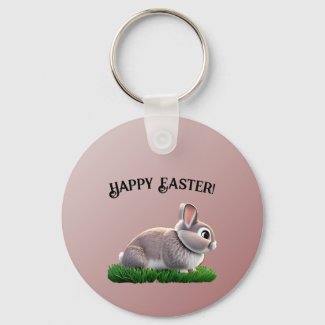
Happy Easter keychain

This design has got a story: A long time ago I had drawn and painted the cute bunny with some waterbased markers, scanned the painting and uploaded the image file to Zazzle. This year I thought why not redo the design in AI, using my own painting as a starter image? 

As you can see it worked!