2023-10-16

Uncropping and cleaning up in Clipdrop

I love the quality of the images created with Bing Image Creator. However, the big disadvantage in my opinion is that you only get images in a square format. Now I want to decorate my home with my images, and that means that I have to put them into frames. Frames come in rectangular format like 15x10 cm. 

So I am very glad that Clipdrop offers the uncropping of images, which means that you upload your square images and Clipdrop converts it into a rectangular format, adding content.

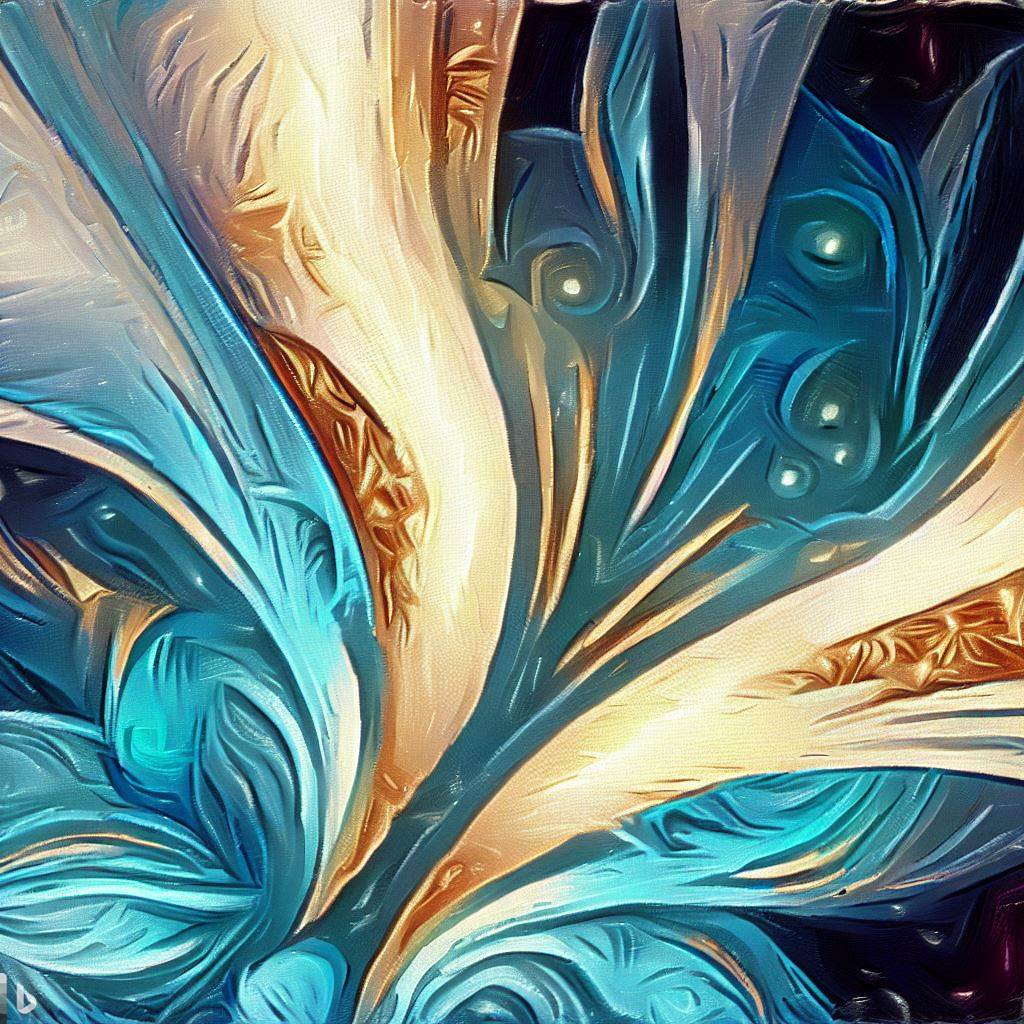
This is the image created with Bing Image creator. I want to have it framed, that means printed it out in a rectangular format.


So I used the Uncop tool on Clipdrop.


I quite liked the result, but I was not so pleased with the yellow.white sphere on the left. 

So I clicked on "Edit" and chose the "cleaning up" tool. You now have a brush with which you can remove the parts you do not like.

VoilĂ , this is the "cleaned up" image!

2023-10-13

Painting with acrylics again

 Now and then I like to take a break with AI Art and do some "traditional" painting. After a period of painting with my inktense pencils I now decided to grab my acrylics. I've got acrylic paint in tubes, in bottles and some acrylic markers. 

This one I did with some student acrylic paints - the yellow even is a no-name brand, I got the tube in a 1 Euro shop. 

It may sound funny but the fact that I can always use my paintings as starter images with AI Art Generators encourages me to paint. Even if the painting as such is not very good it still can be used to create something. 

(I actually used this painting as a starter image but that is a post on its own.)

2023-10-11

New AI Generator: Full Journey

There are lots of AI Image Generators on the web, and there are a lot of changes going on. I once used Lexica, which now seems to be almost dead. I used Clipdrop for quite some time, and since last weekend their website seems to undergo a lot of changes and /or bugs.

On the other hand, there is always something new to try out and explore. For example there is Full Journey AI. It is a bit similar to Midjourney because it only runs on discord, but the commands are different. There is a free plan which gives you 50 tokens / credits every month. 

I quite like the quality of the images. You get four images with each prompt, like with Midjourney AI.

The prompt for this image was:

still life with crystal glasses, in the style of Rubens -43

The second thing which I was very pleased with was the quality of the service; I asked a question regarding how I could get the info about my remaining tokens, and it did not take more than 5 minutes untill I got the answer. 

2023-10-09

Bing Image Creator and Dall-E-3

Among the many AI-Image Creators I have been using Bing Image Creator is the only one which has been using Dall-E. A few days ago Bing upgraded Dall-E to Dall-E-3. I have noticed quite a few very positive reactions to that and so I had to try it myself.


I used the prompt: 

still life with a glass vase and a glass pitcher, cinematic photography, intricate

And look what I've got! It is an image in the style of a still life, with one glass vase and a glass pitcher. 

Now I like to change my prompts a bit and see what happens. So I removed "cinematic photography" and added "in the style of Rubens".


Okay, there is more than one vase and one pitcher. 
However we have some beautiful juicy looking fruits and a beautifully painted background. As far as I can see, it looks like a painting Rubens could have done. 


2023-10-06

Abstract Inktense pencil artwork


Today I finished this abstract piece done with inktense pencils. I used a colorless blender alcoholbased marker and a light grey alcoholbased marker to blend the pigments of the inktense pencils. 

The advantage of using alcoholbased markers to blend the pigments of the inktense pencils is that you can use cardboard as surface. 

2023-10-04

Uncrop tool in Clipdrop

If you are using Bing Image Creator you will have noticed that it only offers the square format for the rendered images. The quality of the images is quite good. However I like to put my photo prints into frames, and the standard frame for photos are 4:3 or 3:4 sizes. 

Lately I watched a video about Clipdrop and I learnt that Clipdrop has a tool which makes it possible to change the format on a rectangle image. It is called the "Uncrop" Tool. I had to try it and was very pleased with the result. 

This image was created with Bing's Image Creator. I love the colors, and the flowing shapes. I'd like to use it for a selfmade card or frame it and hang it on my wall. 

But, as I said above, I could not find any frames for the square format.

So I had a go with this image and the Uncrop Tool on Clipdrop's website.


This is the 4:3 version. Yes, the image is smaller than the square one: I have a free account and that means that the image is downsized when using the tool. 

However, Clipdrop itself offers a tool with which you can enlarge your image, so that will be no problem. 


2023-10-02

Styles in Clipdrop

During the last days I have focussed on Nightcafe Studio and ClipDrop AI. Nightcafe Studio offers SDXL 0.9 and ClipDrop offers SDXL. Whereas in Nightcafe you pay with credits, in ClipDrop AI you get 100 images per day in the free Account. 

You can choose between various styles in ClipDrop (and various aspect ratios as well). I used the following prompt:

 PROMPT: Beautiful glass sculpture of a dove, intricate, realistic

I chose Photography as style for the first image, and Fantasy Art as style for the second image.